17/07/2026
What is Apple CarPlay and how does it work?

Written By John McCann
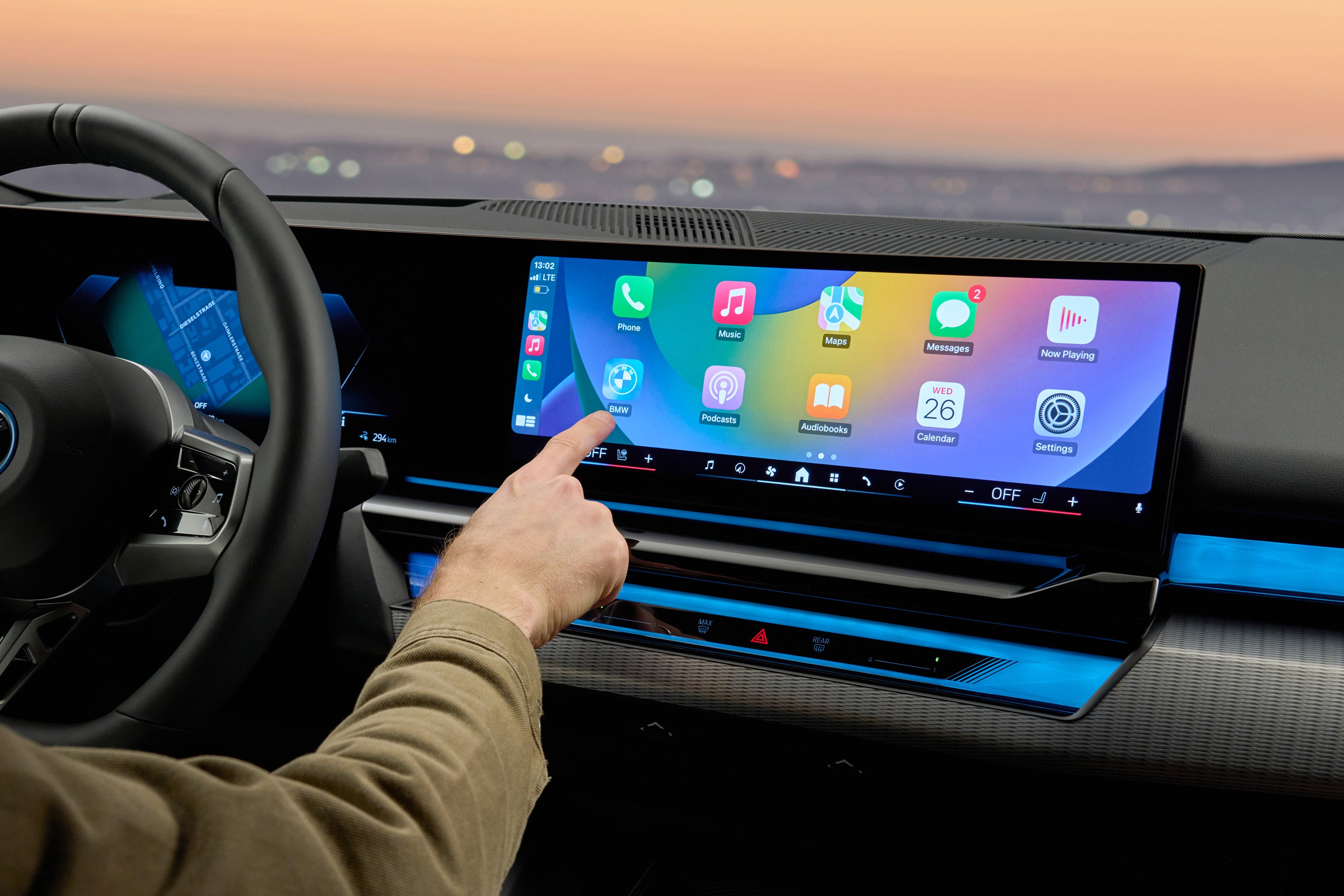
Apple CarPlay is now a commonly available feature in new cars, letting drivers stay connected while gaining access to some of their favourite iPhone apps on the move.
It offers much more than an easy way to make and receive phone calls though, with Apple CarPlay offering up a wealth of features to make your drive easier, more productive, and more enjoyable.
So what is Apple CarPlay, how does it work, why is it good and what's not so great about it? We’ve got all your CarPlay questions answered right here, including details about the newer Apple CarPlay Ultra system, so keep on reading.
What is Apple CarPlay?
Apple CarPlay allows you to connect your iPhone to your vehicle’s infotainment system, providing safe and convenient access to key apps via the in-car touchscreen.
This allows you to interact with your iPhone – from making and taking calls, sending messages, streaming audio and using navigation apps – all without the need to pick up the device, thus keeping you within the confines of the strict mobile phone laws while driving.
How does Apple CarPlay work?
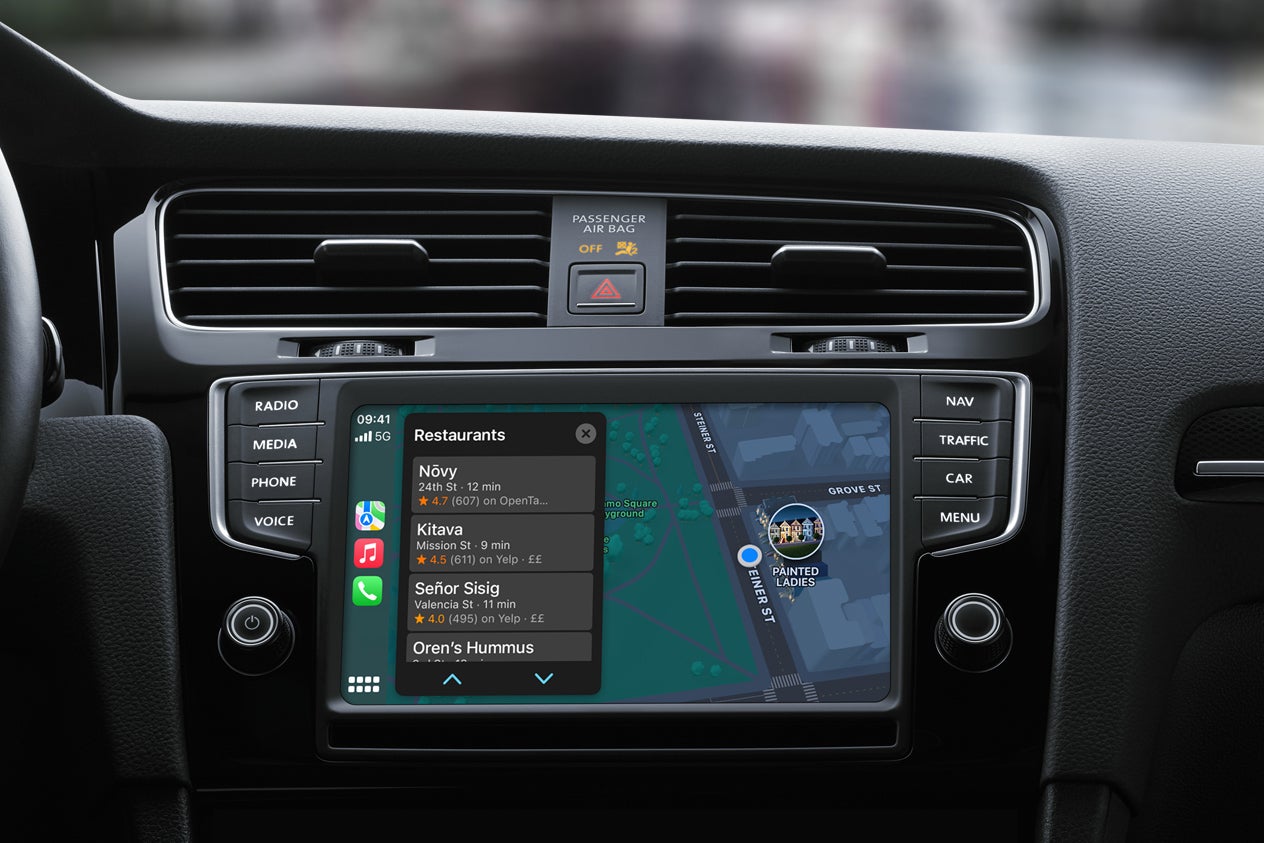
Apple CarPlay uses a wired or Bluetooth wireless connection between your iPhone and your car's infotainment system.
Wired connections require your iPhone's charging cable plug it into your car’s main USB port, which is generally located somewhere in the centre console. Depending on your car, this may be USB-A (the traditional, larger rectangular port) or USB-C (a smaller port with rounded ends), so make sure you check you’ve got the correct cable before pairing.
If a wireless connection is supported it will make itself known on your iPhone during the wired pairing process or you can set it up as a wireless connection from the outset if you know the car is so equipped. Find Apple CarPlay in the menu of your car’s infotainment system and follow the on-screen instructions to link it to your iPhone. You’ll need Bluetooth enabled on your iPhone to pair it with your car.
Once connected, the touchscreen displays a simplified version of your iPhone's interface. You can control CarPlay using the multimedia's usual controls or via Siri's voice control.
As well as needing a car with Apple CarPlay support, you’ll also need an iPhone 5 or later. Seeing as that model of phone was launched in 2012, there’s a very good chance the iPhone you’re using is newer and will support Apple CarPlay.
Do you have to have an iPhone to use Apple CarPlay?
Yes, you do need an iPhone to use Apple CarPlay. If you don’t have an iPhone, fear not. Google has a very similar service for Android smartphone owners, called Android Auto.
What can Apple CarPlay do?
Since CarPlay’s introduction in 2014 we’ve seen the number of supported apps increase, giving drivers more options when using the service.
Some of the most commonly used Apple CarPlay apps are navigation related, with Apple Maps, Google Maps and Waze popular choices for turn-by-turn directions.
These mobile mapping apps are usually more up to date than your car's integrated navigation, providing additional features including real-time traffic information, roadworks warnings and road-closure information at no additional cost.
Even if your car doesn’t have its own navigation system, if it has CarPlay you’ll be able to use a mapping app though your vehicle's multimedia display
CarPlay lets you easily make and receive phone calls, plus it can read out messages and let you dictate responses. But there’s much more on offer too, from support for music, podcast, radio and audio book apps, to news, sports, weather, parking and EV charging applications.
Which apps are available with Apple CarPlay?
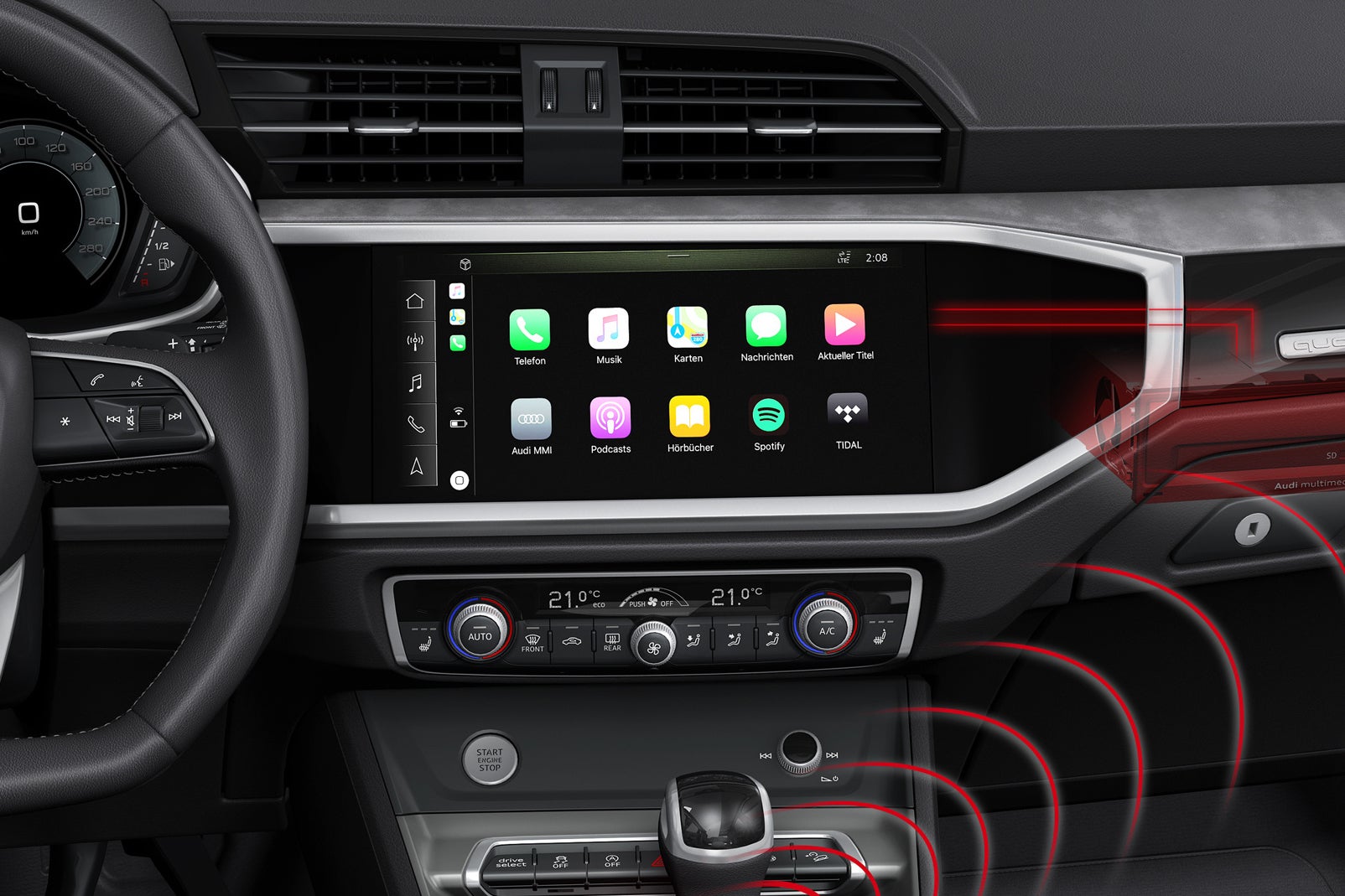
There’s a wide range of supported Apple CarPlay apps, but not everything you can access via your iPhone will be replicated on your car's multimedia display. Below you’ll find a rundown of popular applications which you can use, but note that this list isn't exhaustive.
Apple-developed CarPlay apps
Apple Maps
Apple Music
Audiobooks
Books
Calendar
Messages
News+
Now Playing
Phone
Podcasts
Settings
Major third-party Apple CarPlay apps
Amazon Music
Audible
BBC Sounds
Charge Point
Downcast
Google Maps
Overcast
PlugShare
RingGo
Spotify
Tidal
TomTom
VOX
Waze
WhatsApp
YouTube Music
Does Apple CarPlay use my data plan?
Apple CarPlay does use your data and this is something you’ll want to factor in if you’re renewing your phone contract. How much data you’ll use depends on what you do – navigation tends not to be too data intensive, but streaming lots of music at a high sound quality will quickly eat through your data.
Which cars have Apple CarPlay connectivity?
Apple provides a list of vehicles which work with CarPlay – and there’s plenty of choice with over 800 models referenced. This list isn’t quite up to date with the very latest models, but it covers the majority of what’s currently available on the market.
Many modern cars include Apple CarPlay as standard, so if you’re in the market for a new car, or a second hand car which is only a few years old, chances are it’ll come with support.
However, not all makes and models support CarPlay, plus older cars with simpler infotainment systems certainly won’t have it built in. Cars built before 2014 will not have integral Apple CarPlay connectivity.
Can I add Apple CarPlay to my older car?
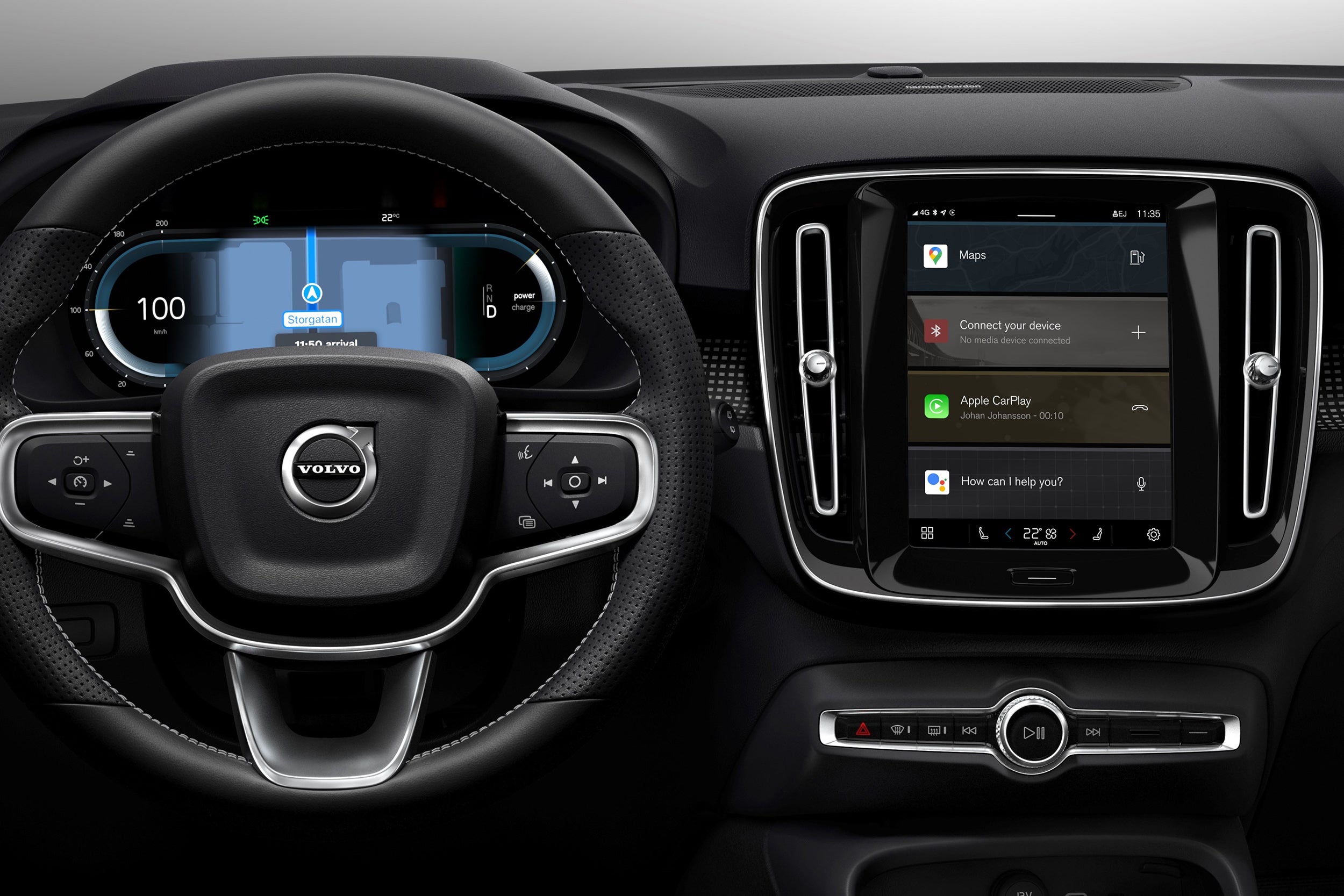
It's an emphatic 'yes' to that question. Almost all cars can be upgraded with a double-DIN head unit that includes Apple CarPlay. As well as giving you CarPlay, these newer stereos will usually include modern functions such as DAB digital radio and a Bluetooth phone connection.
Reputable systems cost around £300 with most retailers offering a fitting service for an additional £50 or so. Aftermarket CarPlay systems are a particularly easy way to update an older car.
Dash-mounted screens which support Apple CarPlay are also available – they're significantly less expensive than the built-in units but they look very much like an afterthought.
Is there a monthly charge for Apple CarPlay?
There is no monthly charge for Apple CarPlay. The only costs you need to consider are your iPhone’s mobile data plan and any associated, optional in-app purchases you may wish to make.
What are the disadvantages of Apple CarPlay?
Apple CarPlay comes with plenty of advantages, but there are a few things to consider before jumping in head first.
CarPlay is a demanding service and your iPhone will likely become warmer while it's connected. On long road trips, the excess heat can cause the iPhone – and CarPlay – to slow down. You may get an excess heat warning and have to unplug your iPhone to allow it to cool down.
If you’re using wireless CarPlay you also need to be mindful of the battery drain, as you don’t want to arrive at your destination with 2% battery left. If your car has a wireless smartphone charging pad – and your iPhone supports it – make use of it. But again, this can lead to the phone heating up during extended use.
Wired users don’t need to worry about battery levels, as your iPhone will be charging while connected to the vehicle.
As we’ve briefly mentioned, online services such as navigation and music streaming will use mobile data. If you only have a few GB of data on your mobile plan, you’ll want to consider if Apple CarPlay is the right option for you.
While Apple CarPlay removes the need for you to pick up and look at your mobile phone while driving, it’s not completely distraction-free. Notifications can still ping through, so we’d recommend turning off all but essential notifications to avoid easy distractions.
If your car has a digital cluster display, or you’re lucky enough to have a head-up display (HUD) you may be used to seeing navigation directions shown in these places – which are much easier to look at while driving versus the central display. Many vehicles's systems won’t mimic directions from an Apple CarPlay app in the cluster or HUD, which can be a little frustrating.
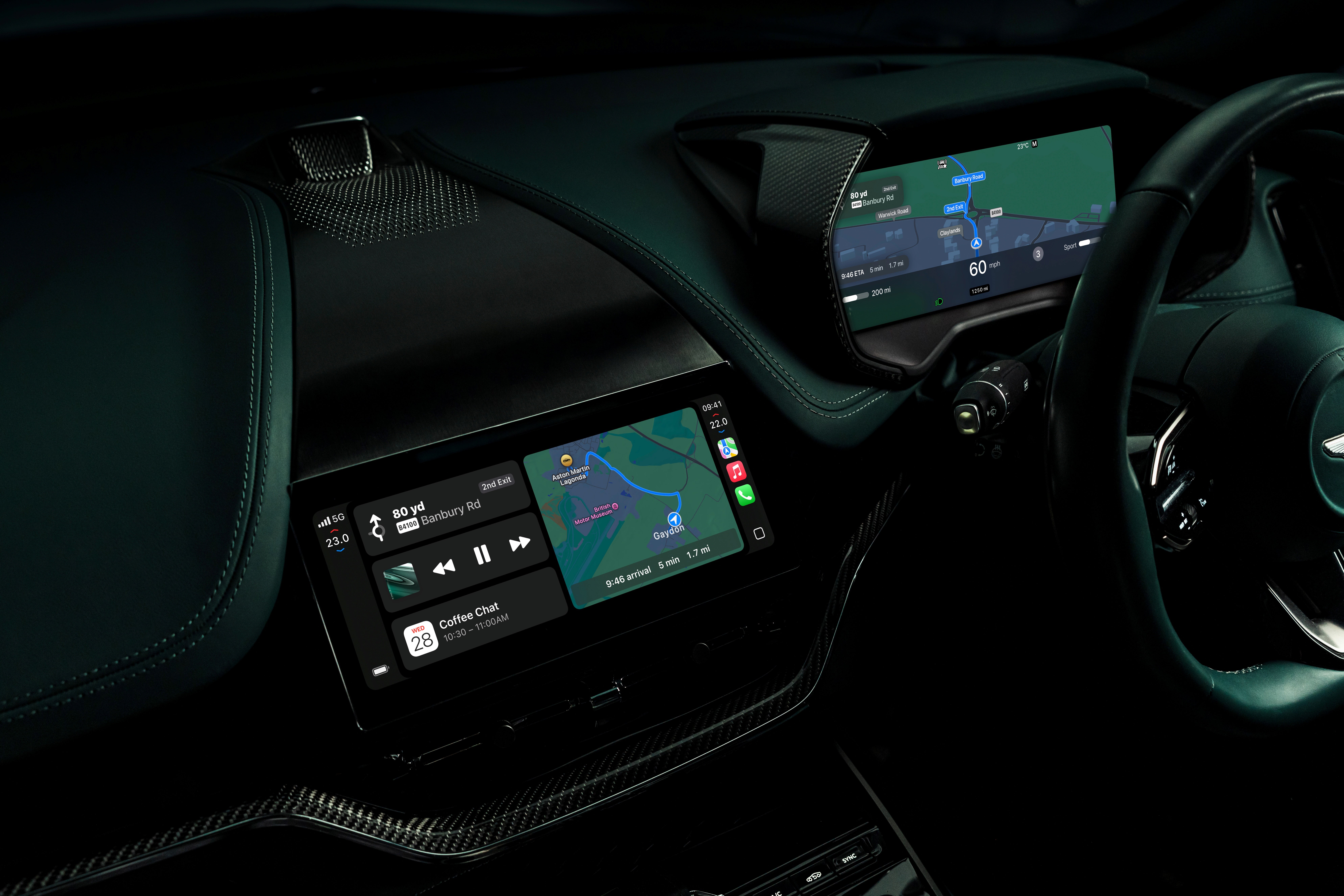
What is Apple CarPlay Ultra?
First announced in 2022, Apple CarPlay Ultra is a much deeper integration between your iPhone and the car. It works across all of the displays rather than just operating from the infotainment screen, picking up on real-time vehicle data including speed, fuel level and engine temperature.
This won't just be a case of CarPlay Ultra replacing every screen in every car with something generic, though. There's a close collaboration with each brand to make sure their identities and characters are retained, while also making the Apple apps look more integrated.
Using Apple CarPlay Ultra will require at least an iPhone 12 and you'll need to be running iOS 18.54 or later.
Which cars have Apple CarPlay Ultra?
At the time of writing, not many. Apple CarPlay Ultra made its debut in the Aston Martin DBX in May 2025, closely followed by newly built versions of the Vantage, DB12 and Vanquish and existing cars by way of a dealer-installed update. Initially, this is only for US- and Canadian-market cars.
When the May 2025 announcement was made, Hyundai, Genesis and Kia were mentioned as confirmed CarPlay Ultra brands, followed a little later by Porsche.
Perhaps unsurprisingly, not all brands are keen on the idea of this more complete system takeover. Mercedes-Benz, despite being one of the OEMs mentioned by Apple as a future partner back in 2022, has since decided CarPlay Ultra doesn't fit with its ethos. Mercedes' CEO Ola Kaellenius is on record asserting that modern cars should involve 'holistic software architecture,' but that 'only the manufacturer can tie all of it together'.
According to the Financial Times, Audi, Polestar, Renault and Volvo have also opted out of integrating Apple CarPlay Ultra, despite also being on that same list of future partners along with Mercedes-Benz in 2022.
Updates for Apple CarPlay do occur, but they tend to be bundled into to those for your iPhone's iOS operating system, rather than specific as would be the case for an app.
No, it's illegal to watch video while driving, so Apple doesn't allow CarPlay to display any such content from YouTube or any streaming service providers.
No, you can't delete it as its an integral component to the iOS operating system. What you can do, should you wish, is instruct your phone to forget CarPlay connections it has already established with different vehicles. Doing so will mean that when you next use that car, it won't automatically connect to CarPlay, although if you use a wired connection it will assume that you wish to re-pair your iPhone.
You can, but only to a very limited degree compared with how much you can now tailor iPhone displays.
App colours are limited to choosing between light and dark backgrounds, with the main icon retaining the original colour schemes. You can also adjust the size of the text labels beneath the app tiles.
Your wallpaper background has a restricted number of native choices since the most recent major iOS change, with the patterned choices being less bold and colourful than those which were previously available.
In order to use a customised wallpaper – and be able to position the app tiles in specific locations on screen – you will need to download a third-party app, which may affect CarPlay's performance when in use.