16/07/2026
What is Android Auto and how does it work?

Written By John McCann
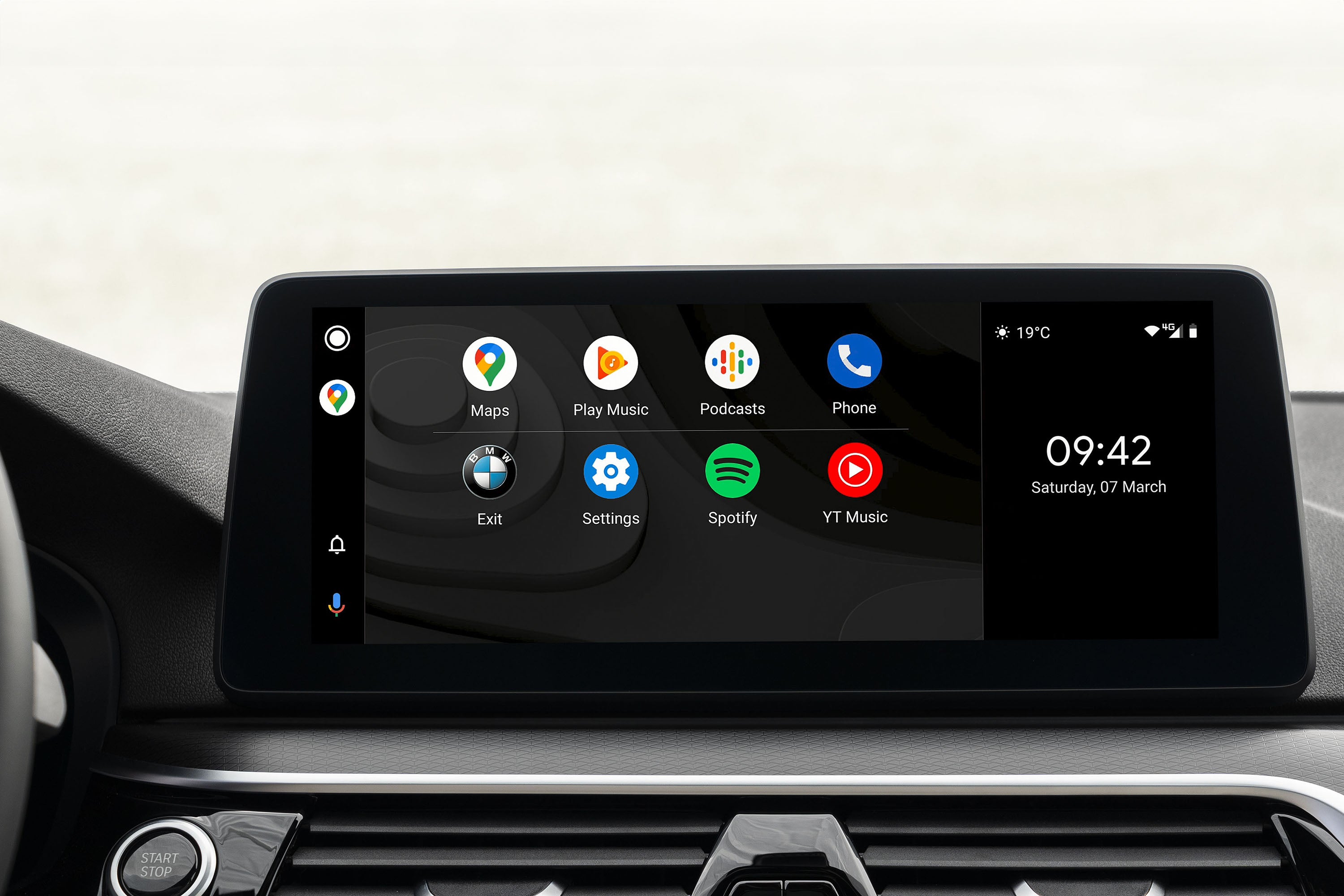
Android Auto is a handy feature for drivers who own an Android smartphone. It allows you to access key phone apps via the car's multimedia touchscreen, doing so both safely and legally.
While it makes calling and messaging while driving easier, there are many more apps and features available to enhance your journey.
So what is Android Auto, how does it work, why is it good and what's less than ideal about it? We’ve got your Android Auto questions answered here, so keep on reading.
What is Android Auto?
Android Auto connects your Android phone to your car's large, central, infotainment touchscreen display, providing convenient, legal access to key apps.
It allows you to interact with your phone – from making and taking calls, sending messages, streaming music and using navigation apps – without the need to pick up the device, keeping you within the confines of the strict mobile phone laws while driving.
Despite the similarity of the names, it's not the same thing as Android Automotive. That's still a Google development, but its related to the operating system and software integral to car multimedia systems. To minimise confusion, some manufacturers refer to it as Google Built-in.
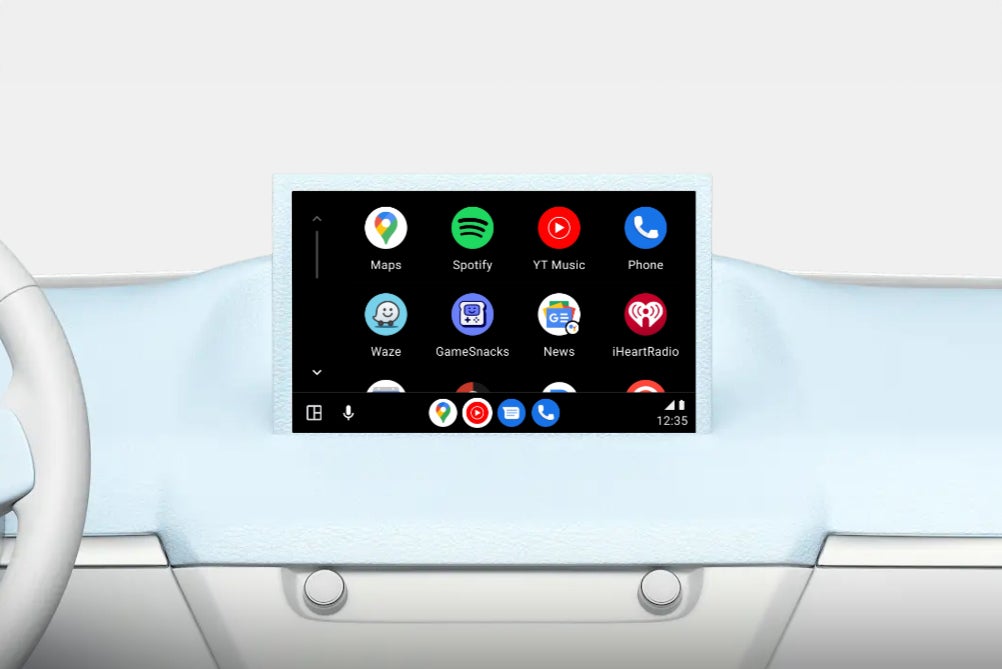
How does Android Auto work?
Android Auto works by using either a wired or wireless Bluetooth connection between your Android smartphone and your car's infotainment system.
To get started, first you’ll need to check your car is Android Auto-capable, which you can do on the Android website. Next, make sure you have an Android phone – most of them which aren't iPhones are Androids. Don't worry if you do have an iPhone because while it won't connect to your car with Android Auto, there's a strong chance it will using Apple CarPlay.
As long as your smartphone is running the Android 10 or later operating system, Auto will be built-in, so all you need to do is connect your phone to your car. Android 10 launched in 2019, so there’s a good chance your handset will be running this, or a newer version, meaning you’re good to go.
Android Auto is also supported on the Android 9 version of the mobile operating system. If your phone is still running this you’ll need to download the Android Auto app from the Play Store to use the feature in your car.
If your car requires a wired connection to your phone for Android Auto to work you’ll need to check the main USB port in your car, usually located somewhere in the centre console, making sure you have the correct USB cable for the socket.
For cars which offer wireless Android Auto connection things are simpler. You just need to find the Android Auto icon in the infotainment menu and follow the on-screen instructions. You’ll need Bluetooth enabled on your phone to pair it with your car.
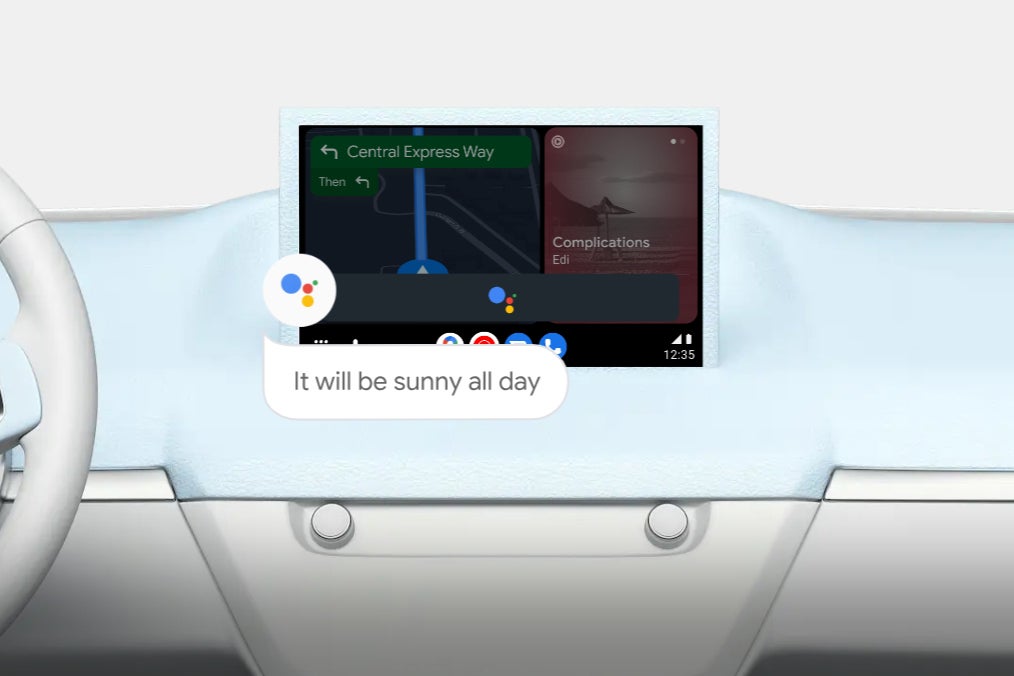
You only need to go through the setup process once, as with all future uses you’ll be taken straight to the Android Auto homepage on your car’s display when your phone connects. From here, you can use it via the touchscreen, plus any buttons and knobs your car has to operate its multimedia system. Voice control's also enabled via Google Assistant.
What can Android Auto do?
Android Auto can do more than just phone calls. It can read you messages from communication apps such as Messages, WhatsApp and Telegram, enabling you to respond to these messages by dictating your reply, with no need to take your hands off the wheel or your eyes off the road.
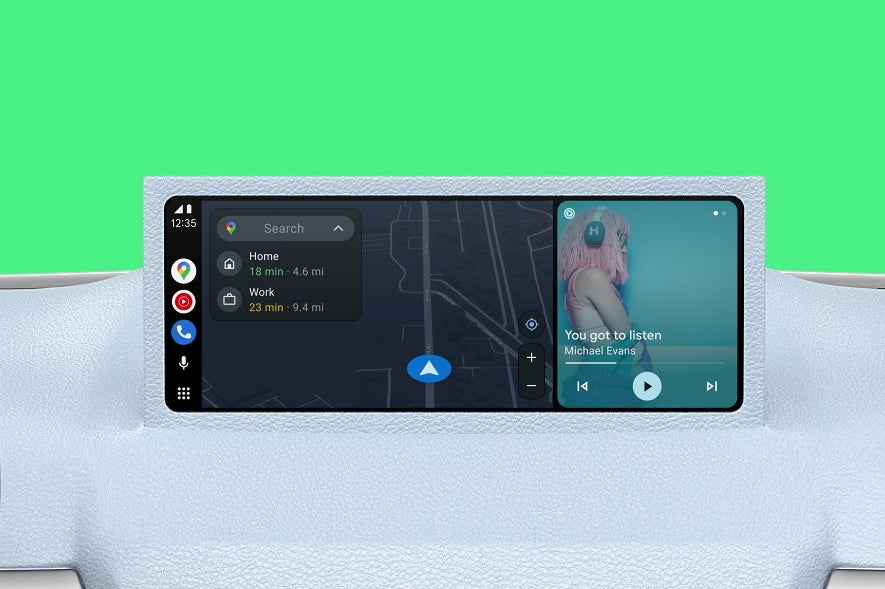
Navigation is one of the top features drivers use Android Auto, as they’re able to take advantage of the advanced tools provided in apps such as Google Maps, Waze and TomTom.
With up-to-date routes, live traffic information, speed camera alerts and road work warnings, these feature-rich navigation apps tend to be a superior choice over built-in, manufacturer navigation packages. Even if your car doesn’t have navigation built in, if it supports Android Auto you’ll be able to use mapping apps from your phone on the central display in your vehicle.
Android Auto also offers support for music, podcasts, radio and audio book streaming apps, plus applications which cover news, sports, weather, parking and EV charging.
What apps are available through Android Auto?
There are many Android Auto apps you can use, from navigation and communication apps, to music, podcast and audiobook streaming. There are even compatible smarthome apps allowing you to control things such as the lighting and heating at home before you even arrive back.
Games are available on Android Auto – handy when you’re parked up waiting to pick someone up or find yourself at an EV charging station for a while.
Apps need to be downloaded from the Play Store to your phone, with compatible applications automatically appearing on your car’s Android Auto infotainment display. Below are some of the most popular Android Auto apps.
Google-developed Android Auto apps
Calendar
Chat
Google Home
Google Maps
Messages
News
Phone
Waze
Weather
YouTube Music
Major third-party Android Auto apps
Apple Music
Amazon Music
BBC Sounds
ChargePoint
Electric Circuit
Facebook Messenger
Microsoft Teams
Octopus Electroverse
PlugShare
RingGo
Smart Life
Spotify
Telegram
Tidal
TomTom
WhatsApp
ZapMap
Does Android Auto use my data plan?
As Android Auto relies on your smartphone for its applications and connected services, you will consume mobile data when using the system.
The amount of data used will vary depending on what you’re doing, but you can limit data usage by downloading playlists, podcasts and maps for offline use - handy if your mobile contract comes with a limited amount of data.
Which cars are fitted with Android Auto?
Hundreds of cars support Android Auto and there’s a comprehensive list available on the Android website, giving you an easy way to check if your vehicle is covered.
Android Auto has become a standard feature in most new cars, which means whether you’re buying brand new or picking up a second hand vehicle which is only a couple of years old, there’s a good chance support will be there. It’s always worth checking with the dealer before making a purchase though.
Android Auto first appeared in cars in 2015, so any vehicle made before then will not have built-in support.
Can I add Android Auto to my older car?
Yes you can. Almost all cars can be upgraded with a double-DIN-sized head unit that includes Android Auto. As well as giving you Auto, these newer stereos will usually include modern functions like a DAB digital radio and a Bluetooth phone connection.
A good system costs around £300 and most shops that sell them will also fit the unit for you for around £50. As upgrades go, this is arguably one of the easiest ways to modernise an old car.
You can also get dash-mounted screens which support Android Auto. These generally cost less than a built-in double-DIN unit, but won’t look as good stuck to the top of your dash.
Is there a monthly charge for Android Auto?
Android Auto is free to use, with no monthly charge. There are a couple of costs to consider though. Firstly is your mobile data plan. Make sure your monthly data allowance is at a few gigbites at the very least.
Some apps may have optional in-app purchases to unlock advanced features, while others (such as music streaming apps) tend to require a monthly subscription. If you’re already subscribed, there’s no additional charge to use the app through Android Auto.
What are the disadvantages of Android Auto?
There are plenty of advantages with Android Auto, but there are a few other things to consider as well.
You’ll find on longer journeys your phone can become warm as Android Auto is a demanding service. This increase in heat can slow the system down and if your phone gets too warm you may get a message to unplug/disconnect to give it a chance to cool a little.
When using wired Android Auto your phone will be charging while in use so you don’t need to keep an eye on the battery, however if you’re using wireless Android Auto the battery can drain quicker than normal. If your phone supports wireless charging and your vehicle has a charging pad, it’s worth popping the handset on this if you’re on a long trip to ensure the battery remains topped up.
As we’ve mentioned online services will use mobile data, so if your data plan only offers you 1GB or 2GB a month you may want to consider increasing the allowance if you want to use Android Auto regularly.
It’s also not completely distraction-free as if you’ve not silenced notifications, which you can do on an app-by-app basis, so they’ll still ping through which can be annoying.
Finally, another small frustration is that many vehicles don’t show navigation directions from Android Auto in their digital instrument cluster displays or head-up displays (HUDs), forcing you to look at the central touchscreen instead.
As with other apps on your phone Android Auto will be updated occasionally. Depending on how your phone settings are configured this should happen automatically in the background, but can force the installation of an update if there's one available.
No, because it would be illegal to do so. You can listen to YouTube Music via Android Auto, but not any video content from it or other providers.
Yes, you can delete Android Auto from your phone in the same ways you do other apps.