16/07/2026
What is Mercedes MBUX?

Written By Phill Tromans
MBUX is an initialism of Mercedes-Benz User Experience, which is what the German brand calls its current infotainment system.
The setup features a spread of information displayed across a minimum of two screens. It can be controlled via voice and touch inputs and is fitted to most of the firm’s models, having launched in 2018 on the Mercedes-Benz A-Class.
What can MBUX do?
The MBUX system is impressively capable with many elements to its range of abilities. When it was launched, Mercedes boldly described it as revolutionary and we’d say that’s about right, especially if you’ve used the infotainment systems in the brand's older models. In comparison, MBUX is faster and more responsive, much like a smartphone.
You can use MBUX to access everything from electrically adjustable seat functions, interior ambient lighting, driving modes, navigation, phone calls and much more besides. It also features Android Auto and Apple CarPlay integration for those who prefer the familiarity of their phone's settings.
MBUX's two most notable features are its voice controlled virtual assistant and the augmented reality navigation display.
What does MBUX look like on screen?
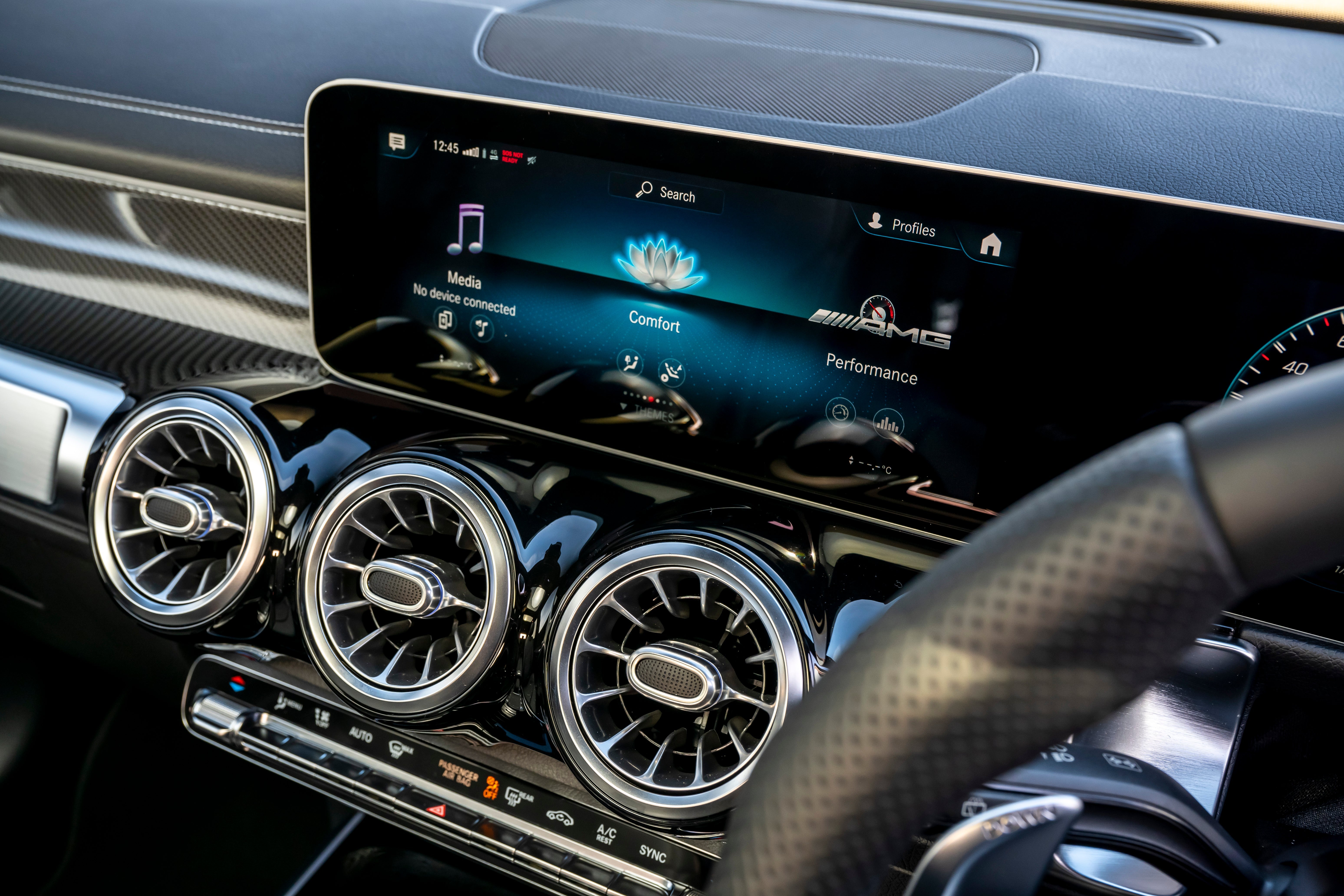
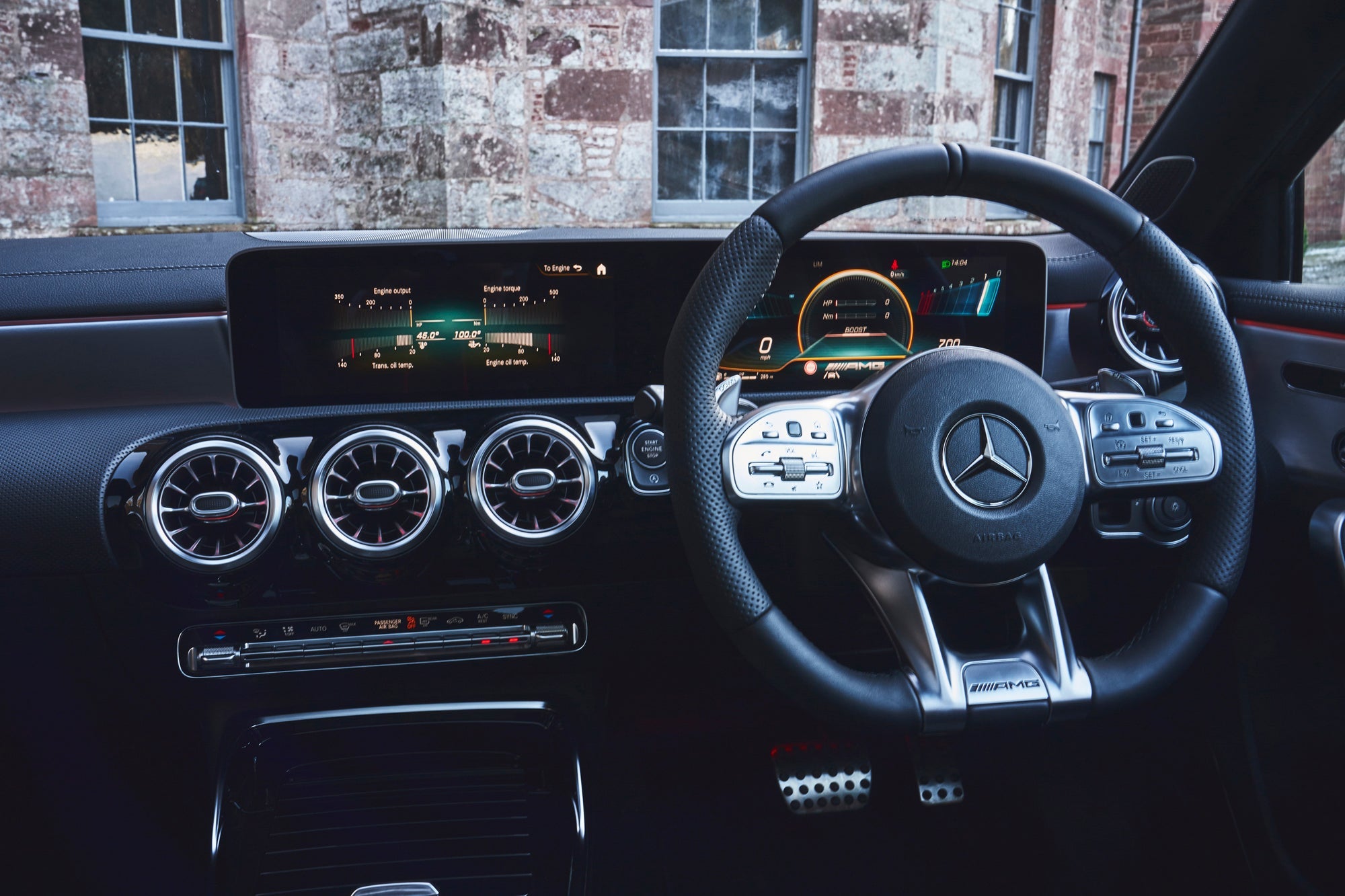
In most Mercedes models, the MBUX setup uses two screens – a touchscreen in the centre of the dashboard and a display-only screen directly in front of the driver, replacing the conventional dial cluster where you’d otherwise see the speedometer and rev counter.
Depending on the model, the screens are either separate modules or housed together behind a sweeping glazed panel.
The touchscreen in the middle of the dashboard is used to control nearly all the car’s functions. As it sits where a traditional infotainment screen would be, it also displays functions including navigation and audio choices. The screen behind the steering wheel shows your speed and driving data, as well as the navigation map if you prefer to see it there.
How do you use MBUX?
The MBUX infotainment system uses a touchpad on the centre console, but you can use the touchscreen, too. There are further controls on the steering wheel spokes for extra flexibility.
Many of the functions can also be changed using Mercedes' Linguatronic voice control system. Just say, 'Hey Mercedes...' and to activate the virtual assistant.
As with your mobile phone’s assistant – Siri, if you’re an iPhone user – you can ask the car questions and get internet-sourced answers. Obviously, this is useful if you need to find a parking space as you can’t use your phone while driving. You can also use it for more trivial queries, such as 'what happened to Frankie Muniz after Malcolm in the Middle?' or any other random questions that pop into yours or your passengers' heads.
MBUX augmented reality navigation
When it comes to navigation, MBUX can direct you in one of three ways:
MBUX's native navigation system
A third-party navigation app, such as Google Maps or Waze via your smartphone
Augmented Reality – or AR for short
Its AR feature shows live footage of the road ahead using a front-mounted camera with direction symbols overlayed live, such as with arrows pointing to where you need to turn off. Not all cars with MBUX also have the augmented reality navigation, but it's a nifty feature on those which do.
MBUX navigation – including what3words
Another clever feature is MBUX's integration of the what3words location system to make entering destinations simpler. Every 3m x 3m space in the world has a unique three-word address. But why?
Many street addresses are too long and complicated for easy text input and postcodes alone can cover surprisingly large geographical areas, especially in rural parts of the country. As good as MBUX's voice control system is, it can still be a faff using it to pull up the correct destination, particularly if you have a strong regional accent that it isn’t familiar with or you’re pronouncing the name of a location incorrectly.
Use the voice command 'navigate using what3words' followed by the three-word location of your destination.
The A-Class was the first model to get MBUX back in 2018. Since it launched, it's been rolled out across the rest of the Mercedes car range and even some of its van line-up.
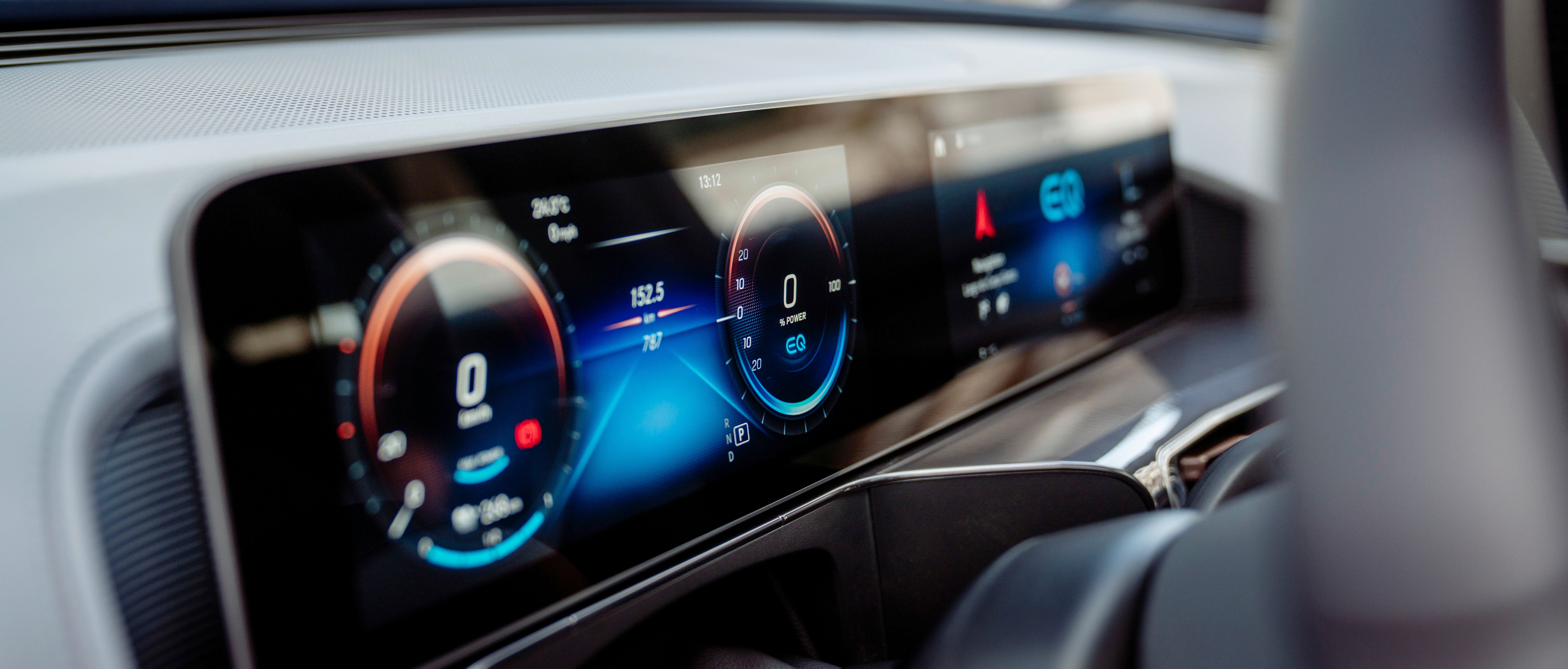
The MBUX Hyperscreen is an advanced screen-based dashboard offered in the Mercedes-Benz EQE and EQS.
It's effectively a curved, glass screen that stretches across the entire dashboard. Within it, there are three large screens – one for the instruments, one for the central infotainment and another to entertain the front-seat passenger.
Using artificial intelligence (AI), it will learn the driver’s preferences and display the appropriate functions when they're needed, such as switching to the radio station you usually listen to on the way home from work.
Personal settings can be saved for up to seven different user profiles using MBUX.